
Middle management didn't tell you to use it. And 7 other reasons to choose Airstory.
When it's time to get real writing work done, it's time for Airstory. There are easily a million reasons to make short work of your everyday writing tasks inside Airstory. Here are the ones that'll change your life. No big deal. Just life changing.
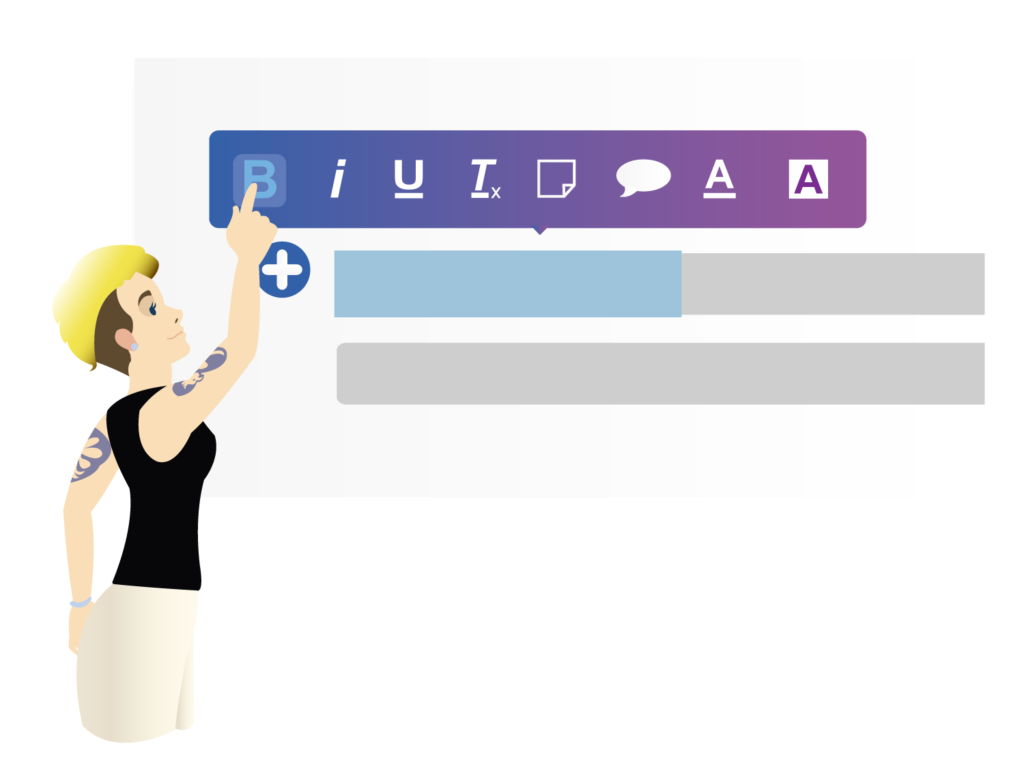
Most obvious reason: we've got an alien and monkeys.
Right above your Airstory doc, you'll see a little alien dude. Click on that dude and drag him back through time. Congratulations! You just used Time Travel to fly back through all the iterations of your document. This is versioning at its most Darwinist.


You're not faxing your document to 1994. So you can lose the page border, for starters.
Infinite borderless pages are just the beginning. In Airstory you can keep your notes next to you the whole time you write. And drag them onto the page (obviously). And move them around on the page (obviously). And highlight text you've written and turn it into a note in a click, in case you wanna save it for later. (Obviously). And switch to "outline" then back again. And add tabs because a Table of Contents is not enough. Obviously. Obvious to you. Obvious to us. Not so obvious to Google Docs or Microsoft Word, which are registered trademarks blah blah blah asterisk.
Borrow your team's brains. Because "collaborate" is just a fancy word for "get into a pissing match over adverbs."
Sure, collaborative writing is a thing, and you can do that thing inside Airstory using ye olde "Share" button plus commenting. Watch people show up in your doc. It's so fun to eavesdrop. Yadda yadda. But here's what pro writers know: Most of the people on your team need to contribute hard info to whatever you're writing. Their (ahem) feedback on your phrasing is not really the point. So invite your team before you even start writing! Get them to add notes to your project for things like:
- Approved testimonials
- Repeatable messaging
- Legal-approved copy
- Quarterly figures
- Product facts
- Corporate bios
- Boilerplates
- Research and data points
- Clever li'l ideas that woke 'em up last night
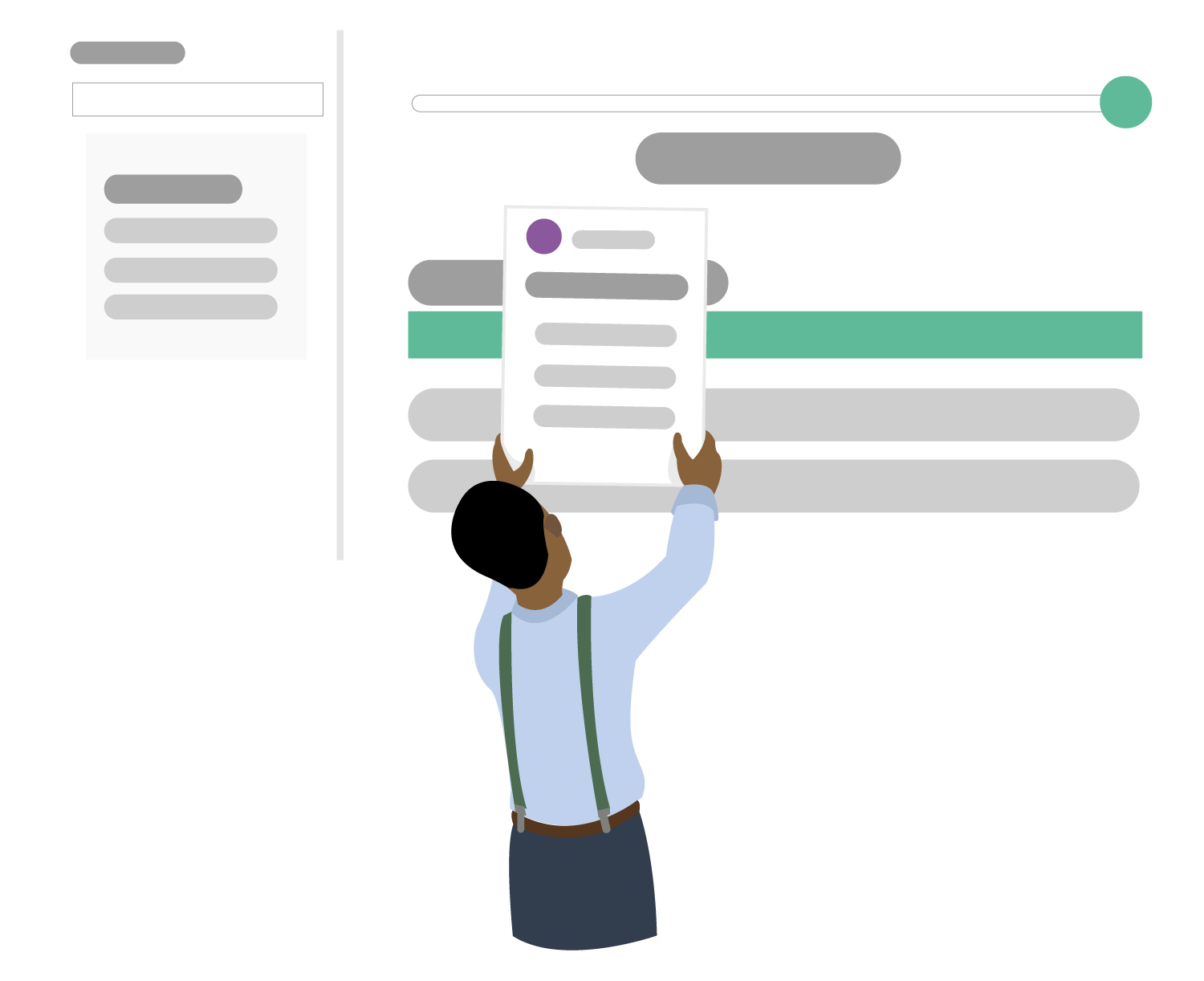
When you find something fab on the interwebs, highlight it and send it straight to your document.
Y'know that "34 Top-Secret Cat Facts Your Ragdoll Doesn't Want You to Know" blog post you keep meaning to write? You can write it faster with Airstory. Just add the Airstory Researcher to Chrome. Then right click on a pic or highlight text to send it back to your Airstory document. Next time you open your document, you'll find all your cat research there - ready to be dropped into that kickass blog post. (BTW, everyone here wants to read it.) - Clip text - Clip images - Capture source info, like URLs - Tag your clips - Send clips to any of your docs - Cite all your research - Drag clips onto the page

Write on your phone. Because it's in your hand. So you should use it.
Airstory is 100% responsive. Which means you can sign into Airstory in your phone's browser and write, add notes, drag notes onto the page and review someone else's writing. Of course this also means that you can pick up where you left off no matter what device you're on. So if you wrote something on your work computer, you can keep working on it on your tablet and bring it up on your personal Macbook when you get home. It might seem crazy to say "no more emailing docs to yourself! no more flash drives!" but people still do that stuff. With Airstory, you don't have to.


If you can jazzercise, you can templatize. (If you can't jazzercise, can you at least mousercize?)
We've got this library of templates, which is cool. But the coolest thing is that YOU can make your own team-friendly templates in a click. So let's say your team has to write their quarterly goals. Yay! Fun! Everyone's favorite! Instead of emailing around a template you want them to use each quarter, you can upload that template to an Airstory project, hit Publish > Airstory Template, and save it immediately in your whole team's shared template library. Now everyone's always got the right template to work off of. And they can add tabs for each quarter. And invite you to it. With beautiful consistency. Aw, man, that's good stuff.
Let's not forget about Airstory's growing world of integrations.
Import your Evernote notes. Import your Instagram pics. Import files and images from your desktop, Dropbox, Google Drive or Box. Upload Word docs. Upload Google Docs. Upload PDFs. Export to WordPress. Export to Google Drive. Export to multiple Word formats. Export to HTML. Export to HTML with styling preserved. And integrate with Zapier for a crap-ton of other cool connections, like sending starred Gmail messages to Airstory as notes. (Use case: When you're ready to write that report, have those stats Dave the Analyst emailed you handy.)
If you blog on WordPress...
If you do customer research...
Pluuus...
Write without borders. Eliminate versioning issues. Avoid battles between file types. Export to multiple formats. Work on the go. Autosave everything. Work light. Go easy on memory. Go paperless. Strut like a champ.
If you write for a living...
If you research for a living...
Stop doing your job in the same writing software 7 year-olds use to format letters to Santa. As much as we all love Santa.
The writing platform you've been using was made for every single person who can type a sentence. You're the super-advanced version of that person. #bebetterthanthat